











SOLIDWORKS Essentials Training Course
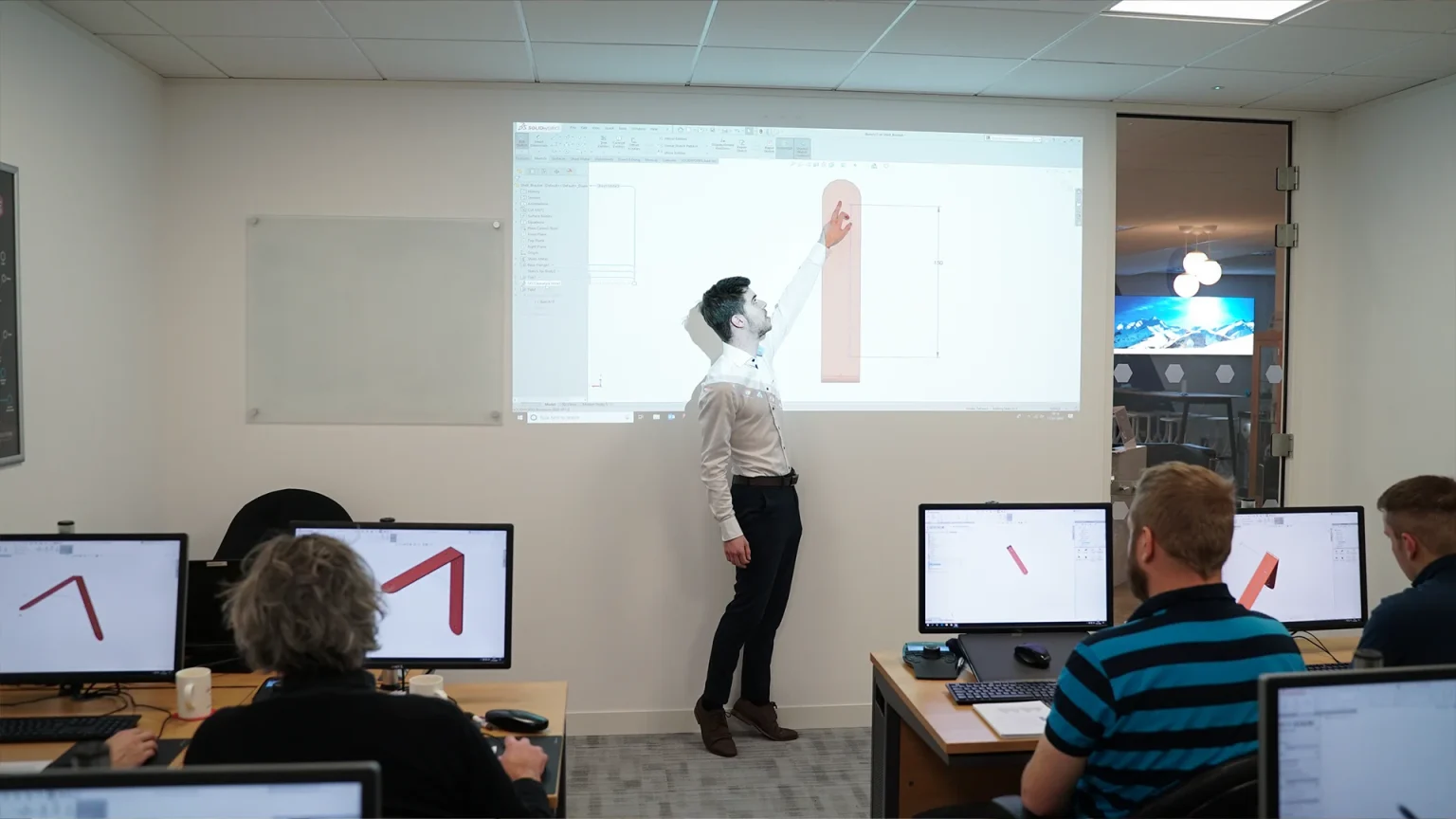
The SOLIDWORKS Essentials course is a four-day immersive training designed to provide new users with the foundational skills needed to master 3D design.
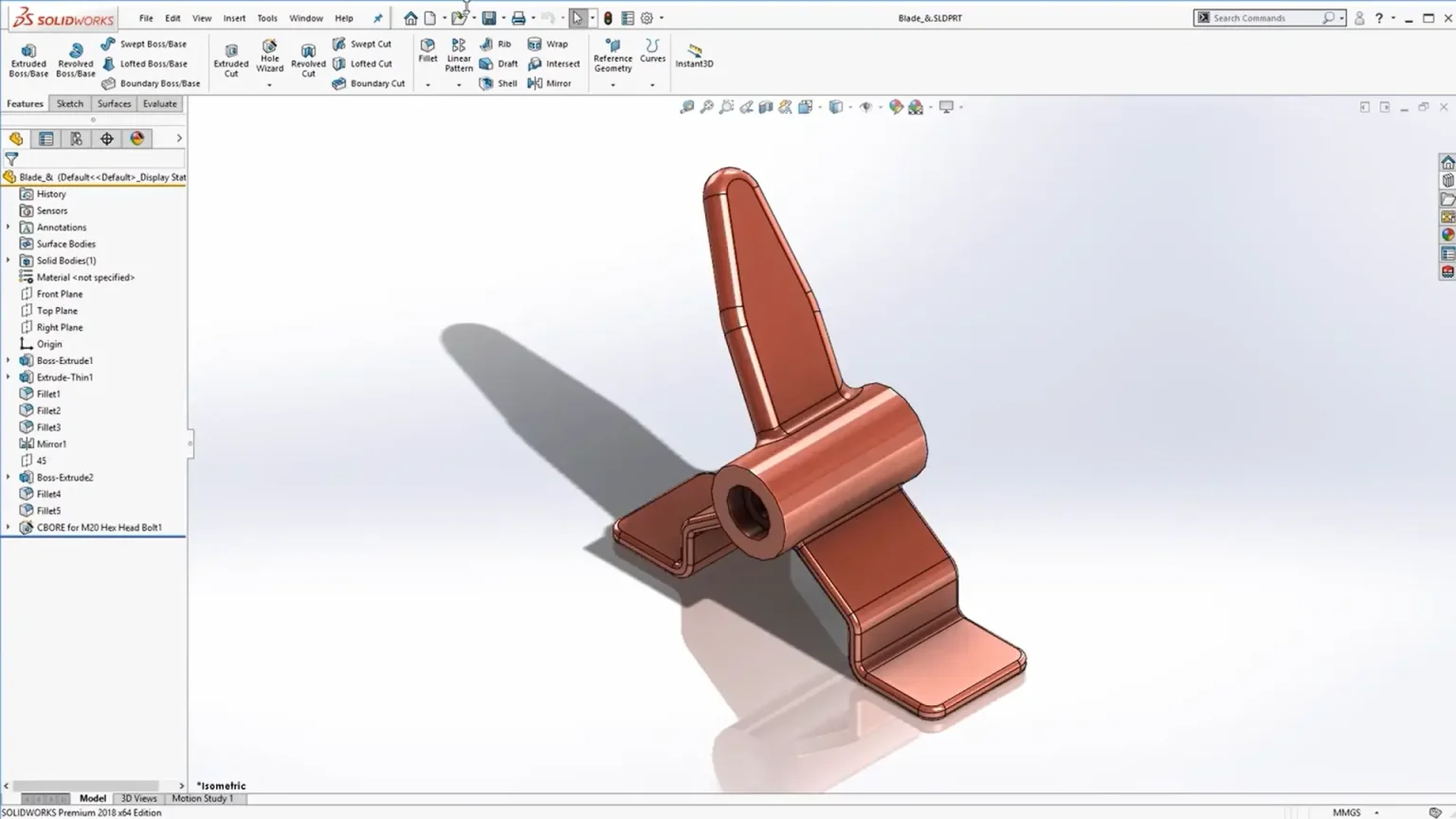
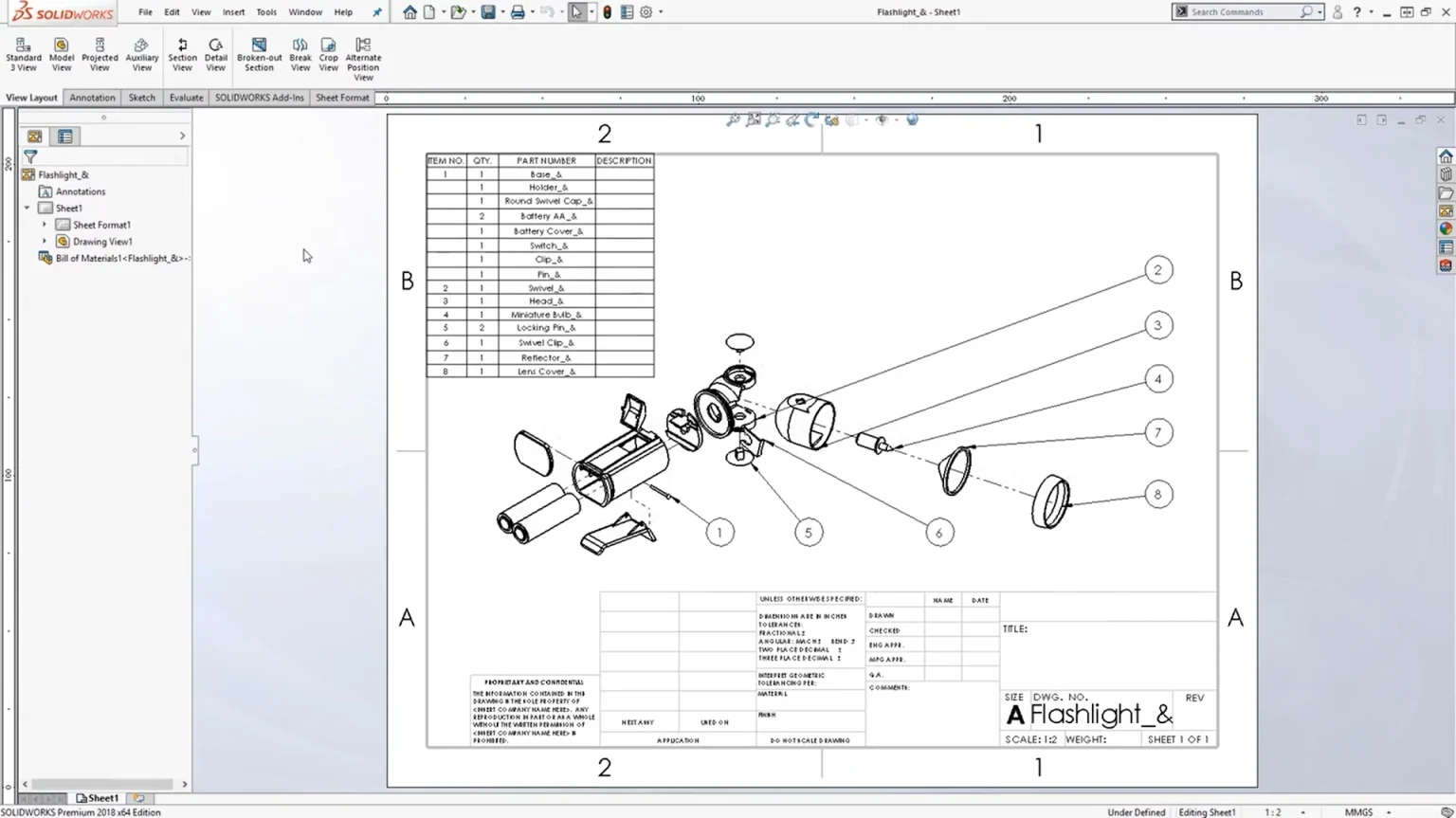
Whether you’re new to CAD or transitioning from another system, this hands-on course covers core functionalities, including part modeling, assemblies, and drawing creation. With expert guidance, you’ll build confidence and proficiency in SOLIDWORKS, enabling you to design with efficiency and precision from day one.
£2,100.00 ex. VAT
About the course
Why SOLIDWORKS Essentials?
For CAD beginners:
- Foundational knowledge
Gain a solid understanding of SOLIDWORKS basics, from interface navigation to essential tools and workflows. - No prior CAD experience needed
The course is designed for complete beginners, making it accessible even if you have no prior CAD background. - Hands-on learning
Engage in practical exercises that reinforce key concepts, helping you build confidence in using the software effectively. - Accelerate learning
Shorten your learning curve by following a structured, expert-led curriculum that ensures you master core design principles from day one. - Prepare for advanced features
The course lays the groundwork for more advanced or specialised functions, setting you up for long-term success with the software.
For users with experience in other systems
- Tailored transition from other CAD tools
Understand key differences and similarities between SOLIDWORKS and other CAD platforms, allowing for a smoother transition. - Maximise SOLIDWORKS efficiency
Learn how to fully leverage SOLIDWORKS' unique features and tools that may not be available in other CAD systems. - Adopt best practices
Even with prior experience, SOLIDWORKS-specific best practices will enhance your workflow and efficiency. - Avoid common pitfalls
The course helps experienced users avoid mistakes when transitioning from other software, ensuring a seamless adaptation. - Unlock advanced features faster
Having experience in other systems allows you to quickly grasp SOLIDWORKS essentials and move on to mastering its advanced tools.

What is the training booking process?
What do our customers say?
We use Feefo (the global feedback engine) to gather anonymous but certified genuine reviews from our customers. We continually use customer feedback to improve the service that we offer to our customers and to motivate our team.

Ready to learn?
Enhance your skills and advance your career with our professional SOLIDWORKS training courses, delivered by our qualified and friendly SOLIDWORKS trainers.
Purchase training online today, view more courses, or get in touch with our team to ask questions or discuss your requirements.